
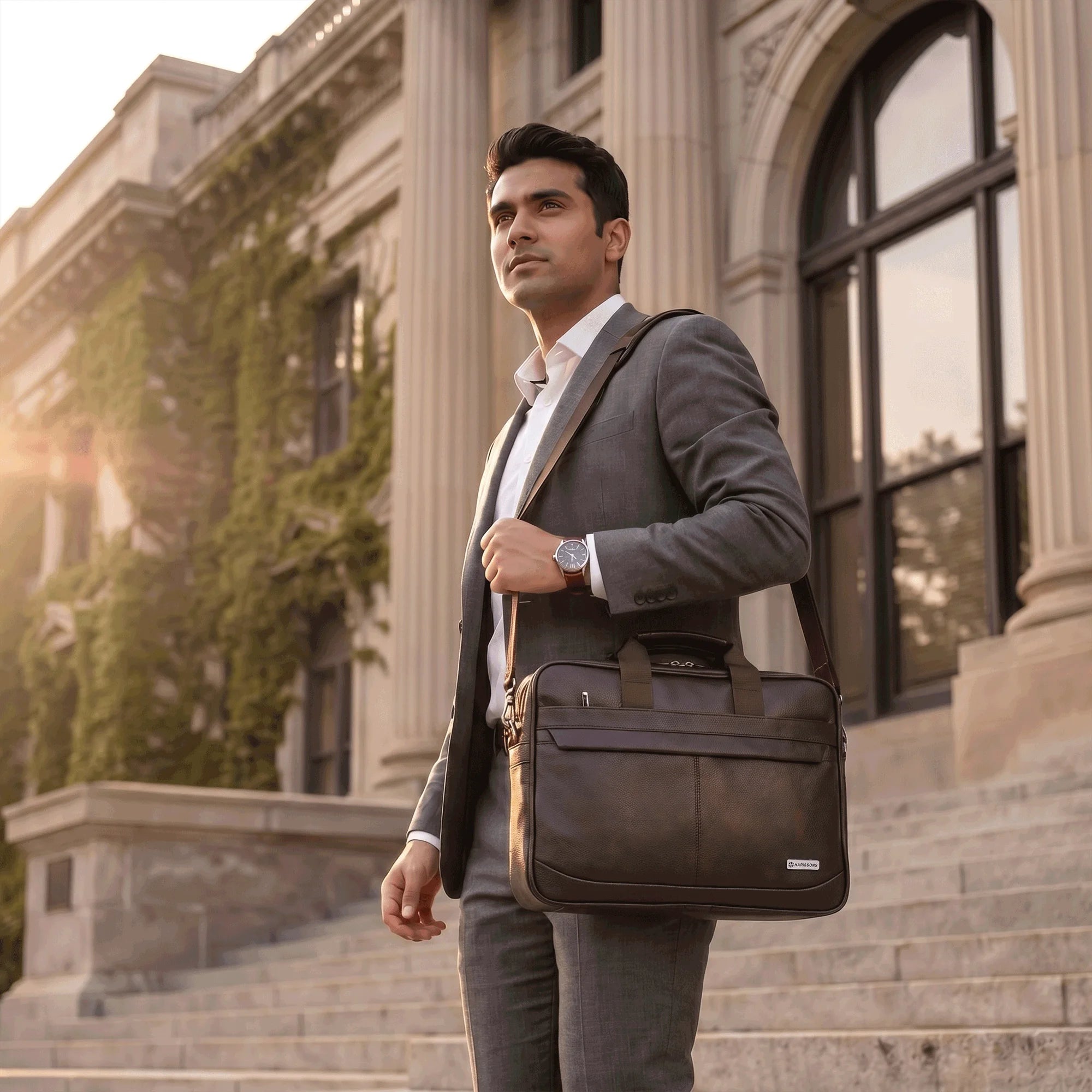
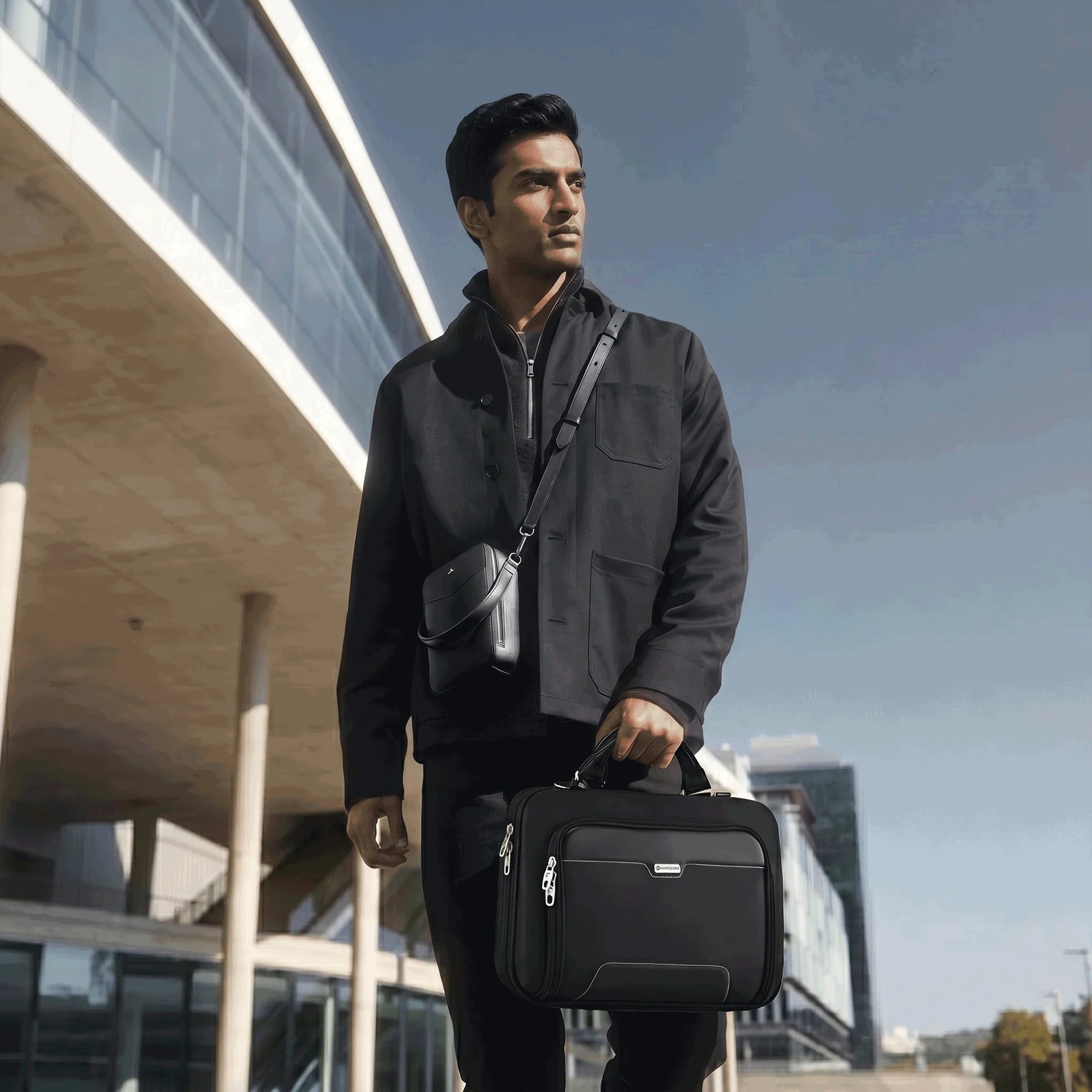

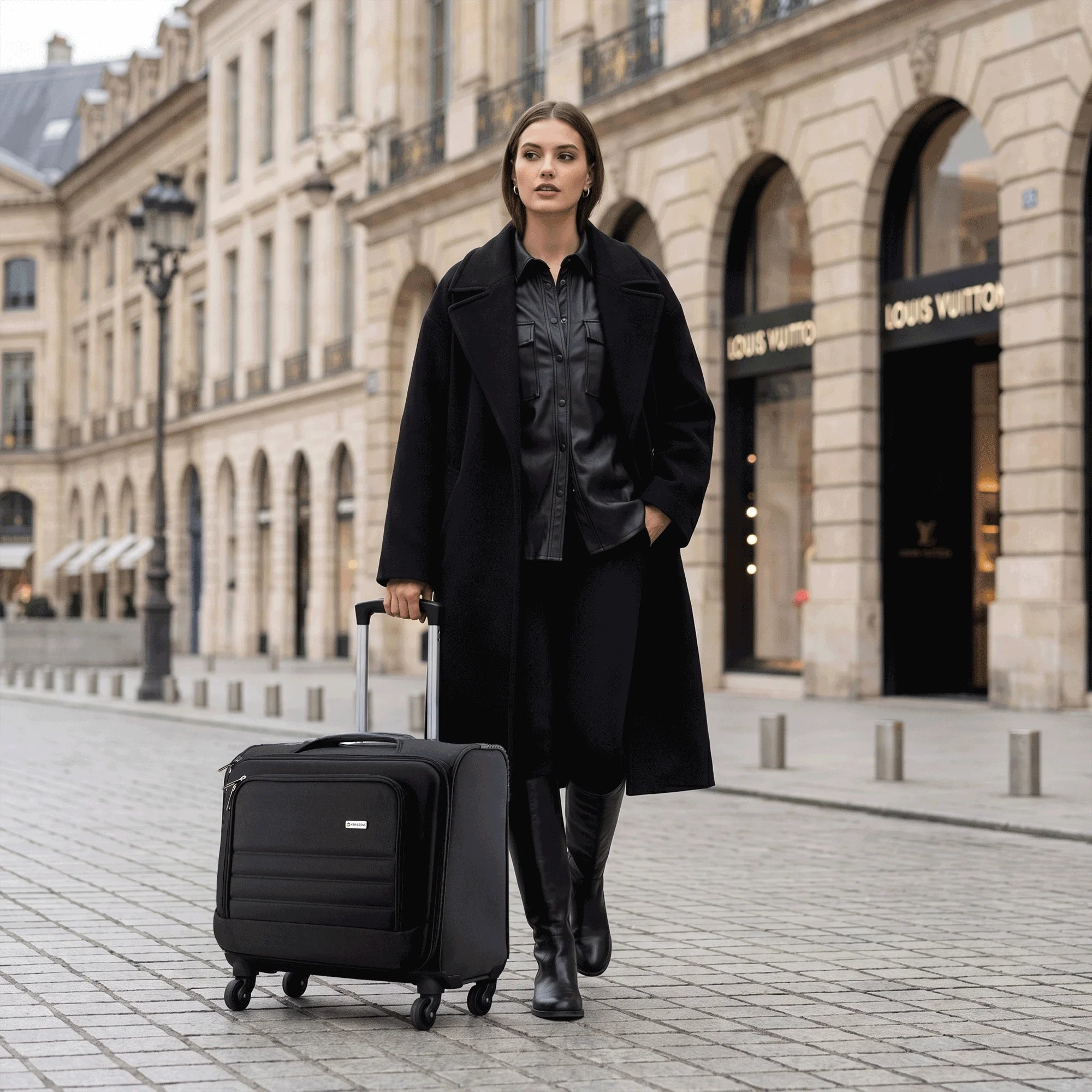
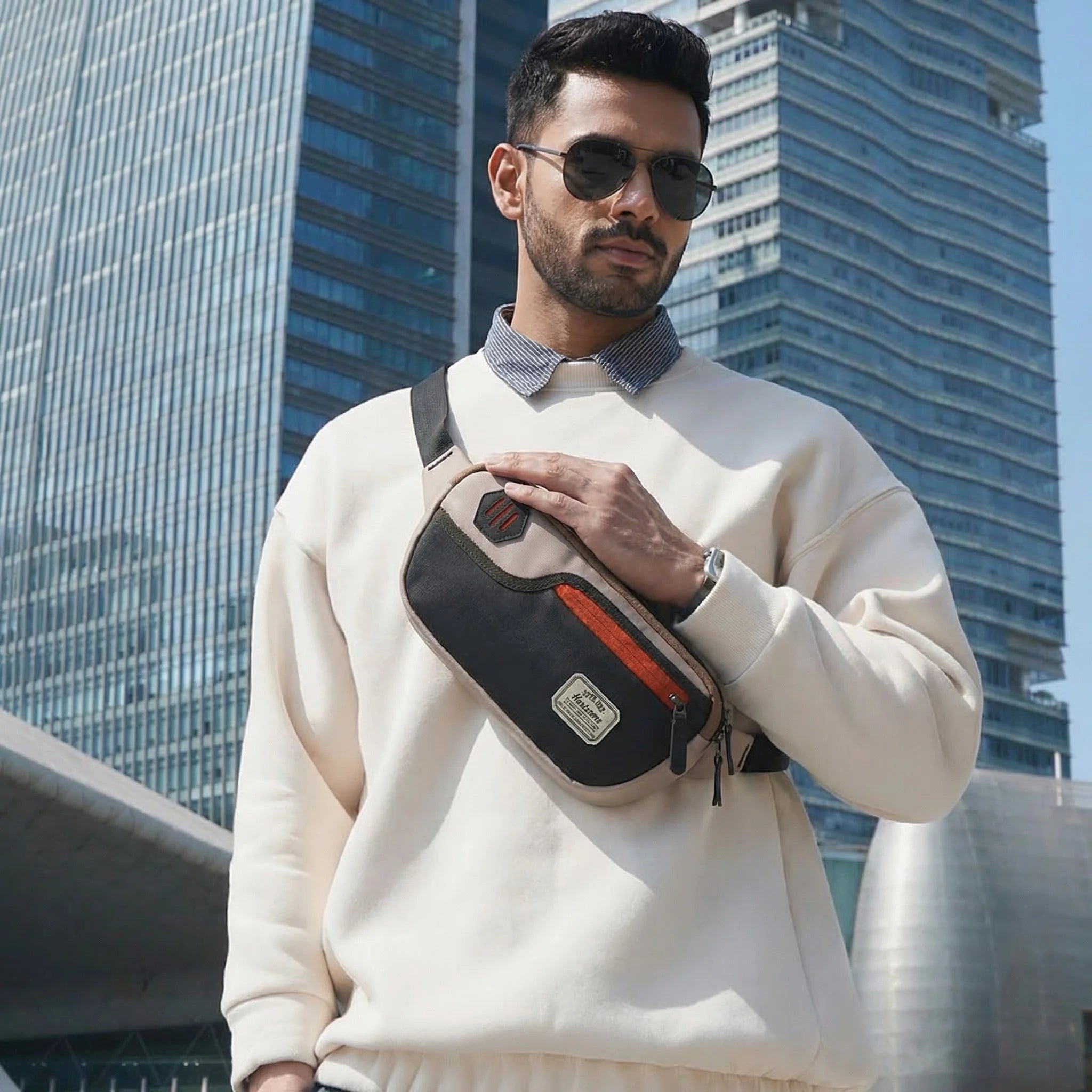
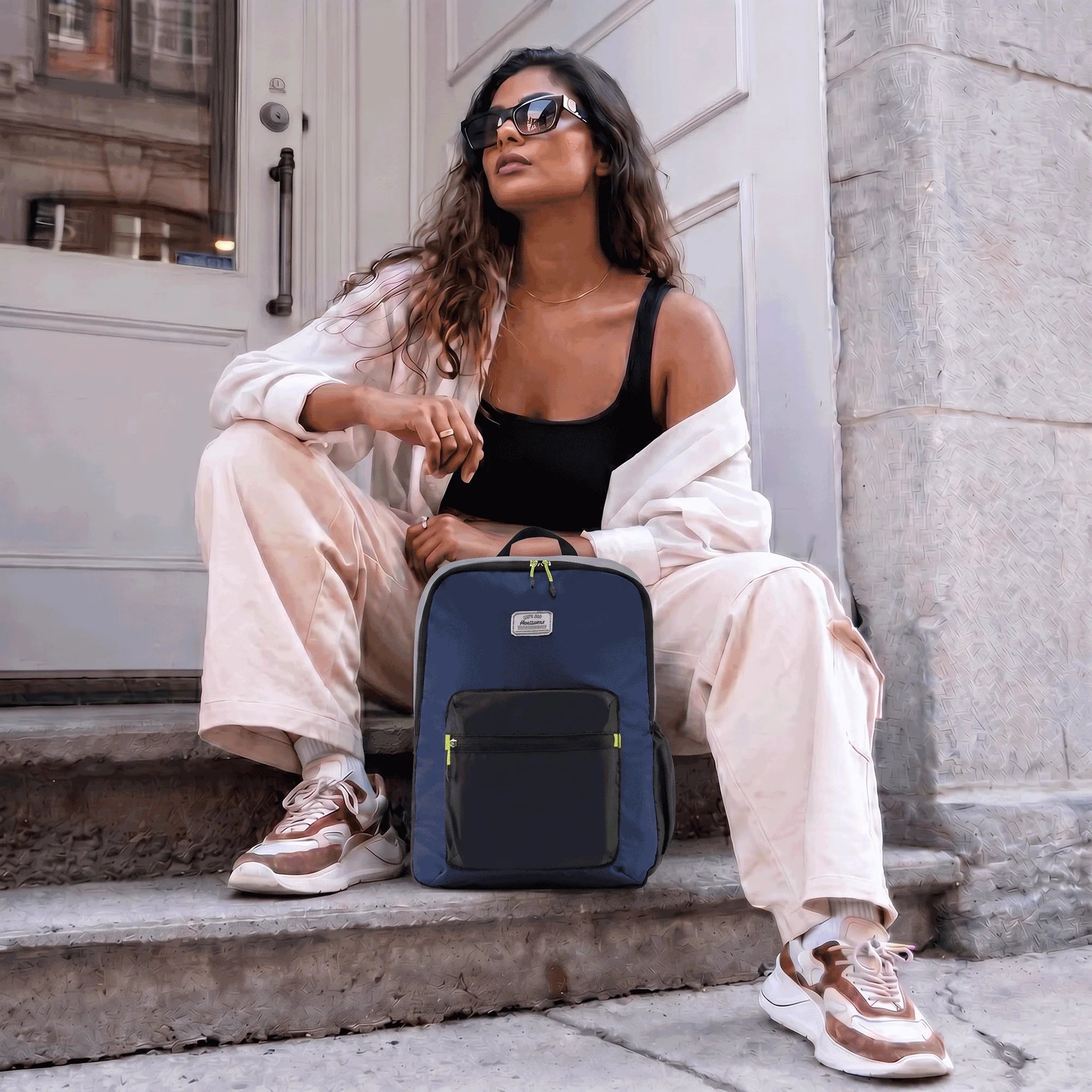


A well-designed laptop backpack should protect your device from everyday bumps, accidental knocks, moisture, and pressure while keeping it comfortable to carry. But with so many options available, how to choose the right laptop backpack can be confusing.
The good news? You don't need dozens of unnecessary features. You need the right ones.
This laptop backpack buying guide explains the protection features that actually matter and what to check before making a purchase.
What to Look for in a Laptop Backpack
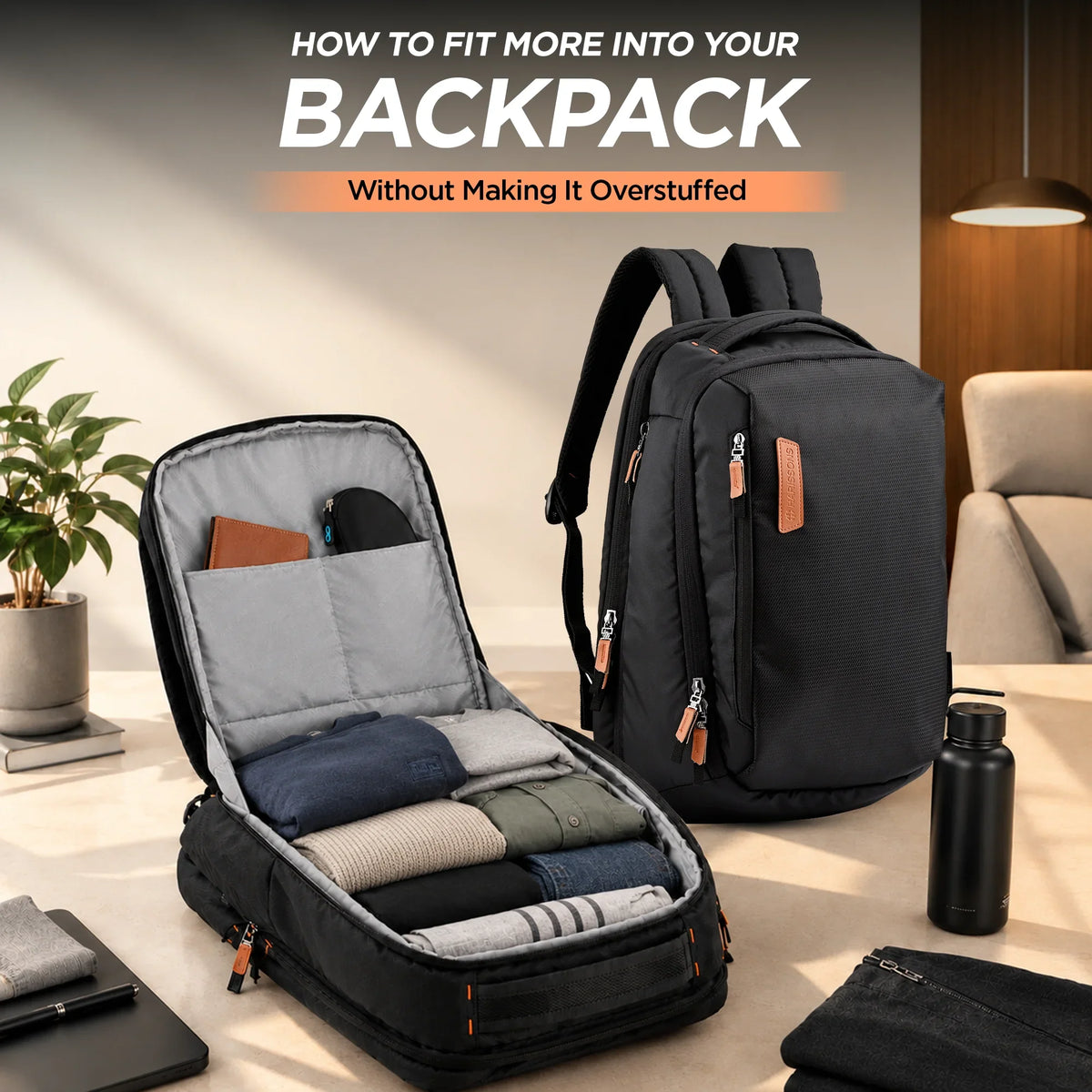
The first thing to examine is how the laptop is stored. A dedicated, well-padded section is generally preferable to placing the device loose among books, chargers, and other belongings.
A laptop bag with laptop compartment should hold the device securely without allowing excessive movement. Look for a laptop backpack with separate laptop compartment that fits your laptop size appropriately.
The compartment should also have enough padding to reduce the effect of everyday knocks.
Padded Laptop Protection Matters
A laptop backpack with padded compartment provides a layer of cushioning between your computer and the outside world. Look for substantial padding on the bottom, sides, and back of the compartment rather than padding only on one surface.
A properly designed padded laptop compartment can help reduce minor impacts when you place the backpack down or accidentally bump it against something.
However, padding isn't a guarantee against serious impacts. A backpack can reduce everyday risks, but it can't make a laptop indestructible.
Shock Absorbing Protection and Secure Storage
One of the useful features of a protective laptop backpack is a compartment designed to minimize movement and absorb everyday shocks.
A laptop backpack with shock absorbing protection may use foam padding, cushioning materials, or a suspended laptop sleeve that creates additional separation from the backpack's exterior.
A secure laptop compartment is equally important. It should prevent the laptop from sliding around while you're walking, commuting, or traveling.
This is particularly relevant if you're looking for a laptop backpack for safe laptop carrying during a busy daily routine.
Water Resistance Is Another Important Layer
Accidental spills and unexpected rain can create serious problems for electronics.
A water resistant laptop backpack can provide an additional layer of protection against light rain and moisture. Look for water-resistant fabrics and, where appropriate, coated materials and covered or water-resistant zippers.
Keep in mind that “water resistant” doesn't necessarily mean waterproof. If you're traveling through heavy rain, additional protection such as a rain cover may still be useful.
For commuters, this feature can make a laptop backpack for daily commute considerably more practical.
Comfort and Ergonomics Protect You, Too
Laptop protection isn't the only consideration. You're carrying the backpack, after all.
An ergonomic laptop backpack should distribute weight comfortably across your shoulders and back. Look for padded shoulder straps, a supportive back panel, and a design that keeps the load close to your body.
An ergonomic back support backpack can be especially useful for people who commute with laptops, chargers, documents, and other daily essentials.
The American Chiropractic Association provides guidance on backpack fit, weight, and carrying practices. Using both shoulder straps and avoiding excessive loads can help improve carrying comfort.
A comfortable laptop backpack should feel manageable even when fully packed.
Travel Requires Additional Considerations
A laptop backpack for travel needs to balance protection with accessibility. If you're frequently passing through airports, you'll want a laptop compartment that's easy to access while still keeping the device secure.
A travel laptop backpack may also benefit from features such as a luggage/trolley sleeve, durable handles, reinforced stitching, and organized accessory storage.
Before flying, check your airline's current baggage requirements. The International Air Transport Association (IATA) provides general passenger baggage information, although individual airline rules can differ.
Are Anti-Theft Features Worth Considering?
An anti-theft laptop backpack can provide additional security in crowded environments. Features may include lockable zippers, hidden pockets, or compartments positioned against the wearer's back.
These features don't guarantee that theft is impossible, but they can make unauthorized access more difficult.
For professionals commuting through busy public spaces, security can be a useful complement to physical laptop protection.
The Safest Way to Carry a Laptop in a Backpack
So, what's the safest way to carry laptop in backpack?
Start by placing the laptop in its dedicated padded compartment. Make sure it fits securely and isn't loose inside the sleeve. Keep hard objects such as keys and chargers in separate compartments, and avoid placing heavy items directly against the laptop.
Don't overload the backpack, either. Excessive pressure can place unnecessary stress on both the bag and the device.
A good laptop protection backpack should make safe organization straightforward rather than forcing you to improvise.
Final Thoughts
Choosing a protective backpack isn't about finding the bag with the longest feature list. It's about identifying the features that genuinely reduce everyday risks.
When deciding what to look for in a laptop backpack, prioritize a properly padded and secure laptop compartment, durable construction, water resistance, practical organization, and ergonomic carrying support.
Whether you need a laptop backpack for professionals, a daily commuter bag, or a travel-friendly design, protection should come first.
Your laptop deserves more than a loose pocket. Give it a dedicated space, sensible cushioning, and a backpack designed around the realities of everyday life.
Frequently Asked Questions
-
Should I buy a water resistant laptop backpack?
A water resistant laptop backpack can be a useful choice if you commute or travel in areas where you may encounter rain or accidental spills. However, water resistant doesn't necessarily mean waterproof, so additional protection may be needed during heavy rain. -
How do I choose the right laptop backpack size?
Start by checking your laptop's screen size and physical dimensions rather than relying only on labels such as 15-inch or 16-inch. The laptop should fit securely inside the dedicated compartment without being excessively loose or forced into a space that's too small. -
Are multiple compartments important in a laptop backpack?
Yes. A laptop backpack with multiple compartments can separate your computer from chargers, books, bottles, keys, and other belongings. This organization can reduce the chance of hard objects pressing directly against the laptop while also making essentials easier to access. -
What is the safest way to carry a laptop in a backpack?
The safest way to carry laptop in backpack is to place it inside a dedicated, padded compartment where it fits securely. Keep heavy or hard objects in separate sections, avoid overloading the bag, and use both shoulder straps when carrying it. -
Is a USB port laptop backpack useful?
A USB port laptop backpack can be convenient when you want easier access to a power bank while traveling or commuting. However, the USB port itself doesn't provide power. You'll still need a compatible power bank and charging cable.